

Navigating Your Dashboard
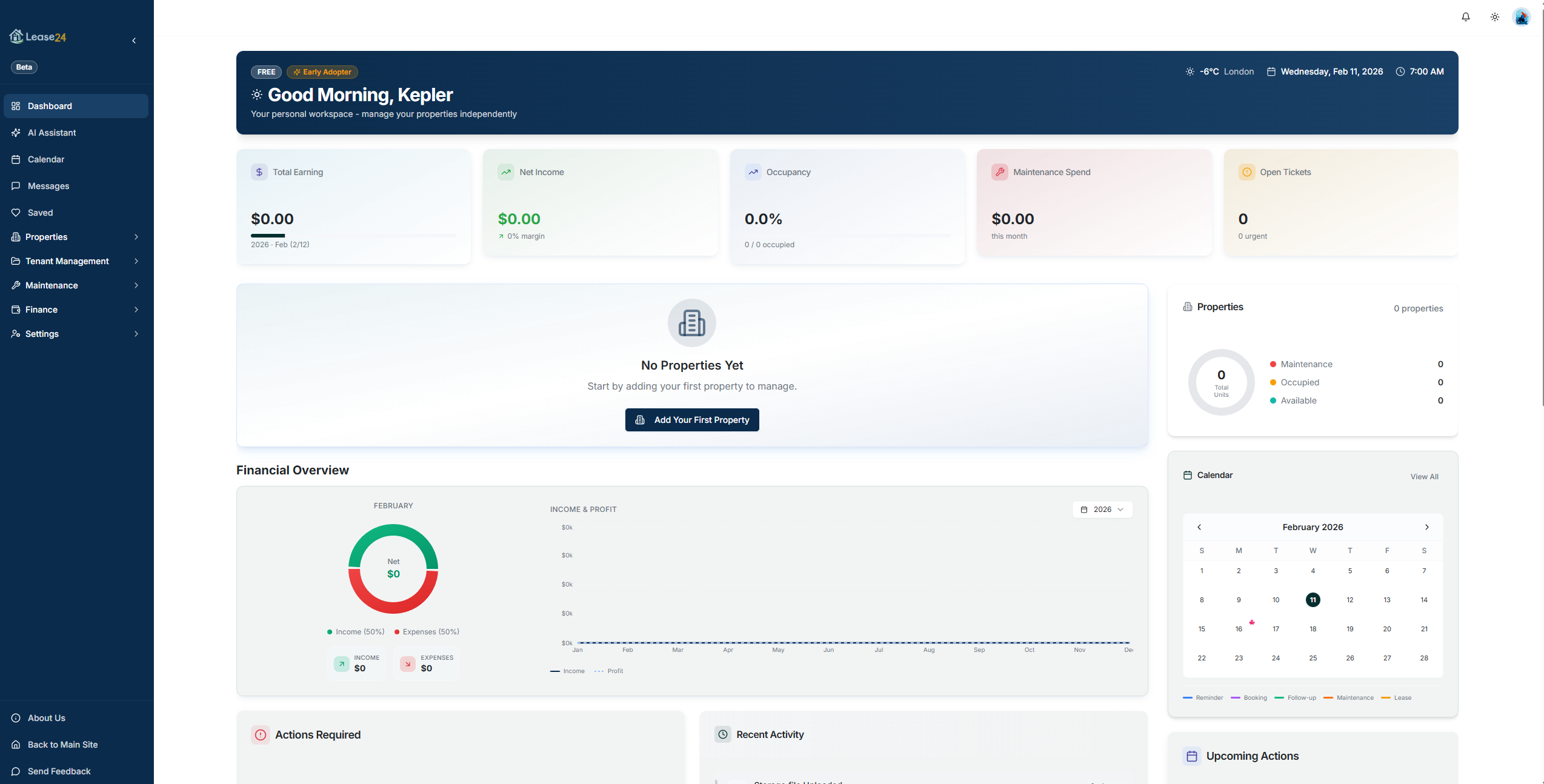
When you log in to Lease24, you land on a dashboard tailored to your role. Every role - Tenant, Owner, Hybrid (self-managing owner), Manager, and Vendor - sees a different set of sidebar pages designed for their responsibilities. This guide walks through every page you will find in your sidebar so you always know where to go.
Shared Features
These pages appear for every role:
- Calendar - View and manage scheduled viewings, lease renewals, and important dates.
- Messages - Send and receive messages with tenants, landlords, applicants, or team members. Unread counts appear as badges on the icon.
- Saved - Access your saved listings, properties, and bookmarked items. The badge shows how many items you have saved.
Most roles also have access to:
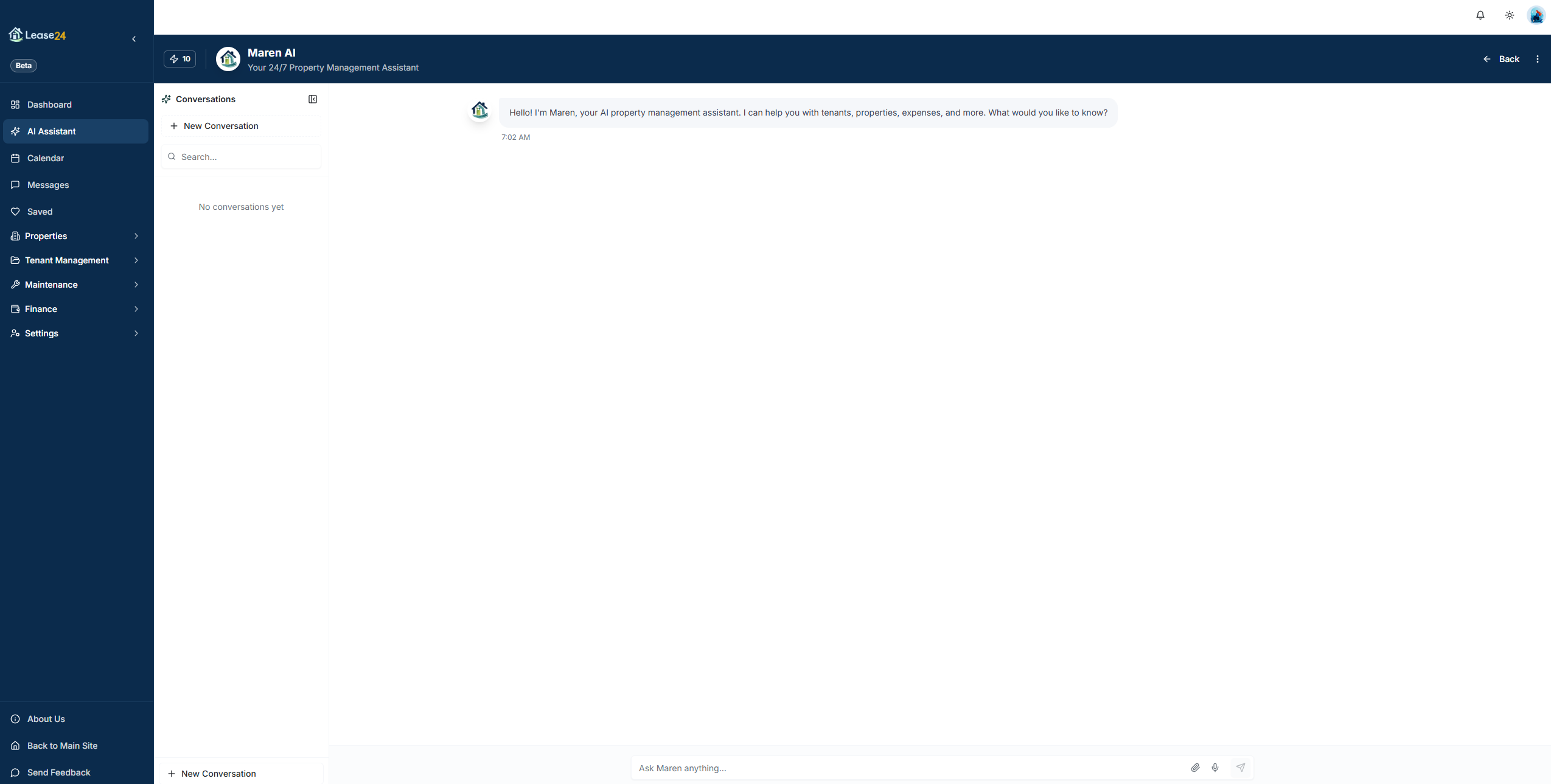
- AI Assistant (Maren) - Chat with Maren, your AI-powered assistant, to get help with tasks, generate documents, and find answers fast.
- AI Credits - View your AI usage and remaining credits for the billing period.
Tenant Dashboard
The Tenant dashboard is your home base for everything related to your rental.
- Dashboard - Your home base. See your lease status, upcoming payments, and important updates at a glance.
- My Applications - Track the status of your rental applications, from submitted to approved.
- Calendar - View scheduled viewings and important dates related to your tenancy.
- Saved - Access your saved listings and bookmarked properties while searching for a new home.
- Messages - Send and receive messages with your landlord or property manager.
- Lease Agreement - View and sign your lease agreement. Access the full document at any time.
- Service Requests - Submit and track maintenance requests for your unit. A badge shows open requests.
- Rent & Payments - View invoices, make payments, and download receipts. A badge shows outstanding invoices.
- Rental Profile - Build your rental profile to apply for properties faster in the future.
Tenant Settings
- My Profile - Update your personal information and account settings.
- Notifications - Configure how and when you receive alerts and updates.
Owner Dashboard
The Owner dashboard gives passive investors a clear view of property performance without operational complexity.
- Dashboard - Your command center. See an overview of your properties and investments.
- AI Assistant - Chat with Maren to get help with tasks and insights about your portfolio.
- Saved - Access your saved listings, properties, and bookmarked items.
- My Properties - View all your rental properties and their performance metrics.
- My Leases - Review active lease agreements for your properties.
- My Tenants - View tenant information and contact details for each property.
- Approvals - Review and approve pending decisions from your property manager. A badge shows items waiting for your approval.
- Financial Reports - View income statements, expense reports, and ROI analytics.
- Communications - Send and receive messages with your property manager.
- Maintenance - View maintenance requests and repair history across your portfolio.
- AI Credits - View your AI usage and available credits.
- My Profile - Update your personal information and account settings.
Hybrid (Self-Managing Owner) Dashboard
The Hybrid dashboard is built for owners who manage their own properties. It combines owner-level insight with full operational tools.
Core Navigation
- Dashboard - Your command center. See an overview of all your properties, tasks, and key metrics.
- AI Assistant - Chat with Maren, your AI assistant, to get help with tasks and generate documents.
- Calendar - View and manage scheduled viewings, lease renewals, and important dates.
- Messages - Send and receive messages with tenants, applicants, and team members.
- Saved - Access your saved listings, properties, and bookmarked items.
Properties & Listings
- My Properties - View and manage all your rental properties and units.
- My Listings - Create and manage your property listings for the rental marketplace.
Tenant Management
- My Tenants - View tenant information, contact details, and lease history.
- Applications - Review and process rental applications from prospective tenants. A badge shows pending applications.
- Screenings - Run background checks and credit reports on applicants.
- Lease Agreements - Create, manage, and track lease agreements with e-signatures. A badge shows leases awaiting signature.
- Notices - Generate and send official RTA/LTB compliant notices to tenants.
Maintenance & Operations
- Requests - Track and manage maintenance requests from your tenants. A badge shows open requests.
- Inspections - Conduct property inspections with room-by-room checklists.
- My Vendors - Manage your preferred contractors and service providers.
Financials
- Overview - See your financial summary, income, and expenses.
- Invoicing - Create and send invoices to tenants for rent and other charges.
- Payments & Receipts - Track payments received and generate receipts.
Settings
- My Profile - Update your personal information and account settings.
- Notifications - Configure how and when you receive alerts and updates.
- Upgrade Plan - Explore plan options and upgrade for more features.
- Subscription - Manage your Lease24 subscription plan and billing.
- Setup Payment - Configure payment methods for receiving rent.
- Storage - View and manage your document storage usage.
- AI Credits - View your AI usage and available credits.
Manager Dashboard
The Manager dashboard provides professional property managers with every tool needed to serve multiple owners and tenants.
Core Navigation
- Dashboard - Your command center. See an overview of all properties, tasks, and key metrics.
- Calendar - View and manage scheduled viewings, lease renewals, and important dates.
- Messages - Send and receive messages with tenants, applicants, and team members.
- Saved - Access your saved listings, properties, and bookmarked items.
AI Tools
- AI Assistant - Chat with Maren, your AI assistant, to get help with tasks and generate documents.
- AI Credits - View your AI usage and available credits.
Lead Management
- Inquiries - Respond to inquiries from prospective tenants. A badge shows new inquiries.
- Leads - Track and nurture leads through your rental pipeline.
Properties & Listings
- Properties - View and manage all your rental properties and units.
- Market Listings - Create and manage your property listings for the rental marketplace.
Tenant Management
- Tenants - View tenant information, contact details, and lease history.
- Applications - Review and process rental applications from prospective tenants. A badge shows pending applications.
- Screenings - Run background checks and credit reports on applicants.
- Lease Agreements - Create, manage, and track lease agreements with e-signatures. A badge shows leases awaiting signature.
- Notices - Generate and send official RTA/LTB compliant notices to tenants.
Owner Management
- Owners - Manage property owners and their portfolios.
- Hire Requests - Review and respond to owners looking to hire a property manager.
Operations
- Maintenance - Track and manage maintenance requests from tenants. A badge shows open requests.
- Inspections - Conduct property inspections with room-by-room checklists.
- Vendors (Coming Soon) - Manage your preferred contractors and service providers.
Finance
- Financials - See your financial summary, income, and expenses.
- Invoicing - Create and send invoices to tenants for rent and other charges.
- Payments & Receipts - Track payments received and generate receipts.
- Reports - Generate financial reports and analytics.
Settings
- My Profile - Update your personal information and account settings.
Vendor Dashboard
The Vendor dashboard is designed for contractors and service providers who work with property managers on Lease24.
- Dashboard - Your command center. See active orders, earnings, and performance metrics.
- AI Assistant - Chat with Maren, your AI assistant, to get help with tasks.
- Saved - Access your saved items and bookmarks.
- Service Orders - View and manage work orders from property managers. A badge shows new orders.
- Communications - Send and receive messages with property managers.
- Billing & Invoices - Create invoices and track payments for your services.
- AI Credits - View your AI usage and available credits.
- My Profile - Update your business information and service offerings.
Tips for Navigating Efficiently
- Collapse the sidebar - Click the arrow icon at the top of the sidebar to collapse it and gain more screen space. Hover over icons to see tooltips.
- Watch for badges - Red badges on sidebar items indicate items needing your attention, such as unread messages, pending applications, or open maintenance requests.
- Use the AI Assistant - Ask Maren to navigate you to any page, look up data, or generate documents instead of searching through menus.
- Bookmark key pages - Use the Saved feature to bookmark listings or properties you visit frequently.
- Mobile navigation - On smaller screens the sidebar becomes a hamburger menu at the top and a bottom navigation bar for quick access to key pages.